Keep answers easy to find
Publish FAQ entries for common family questions and put useful pages in the site menu. Notices and page review reminders help the board keep information current.
Your league website
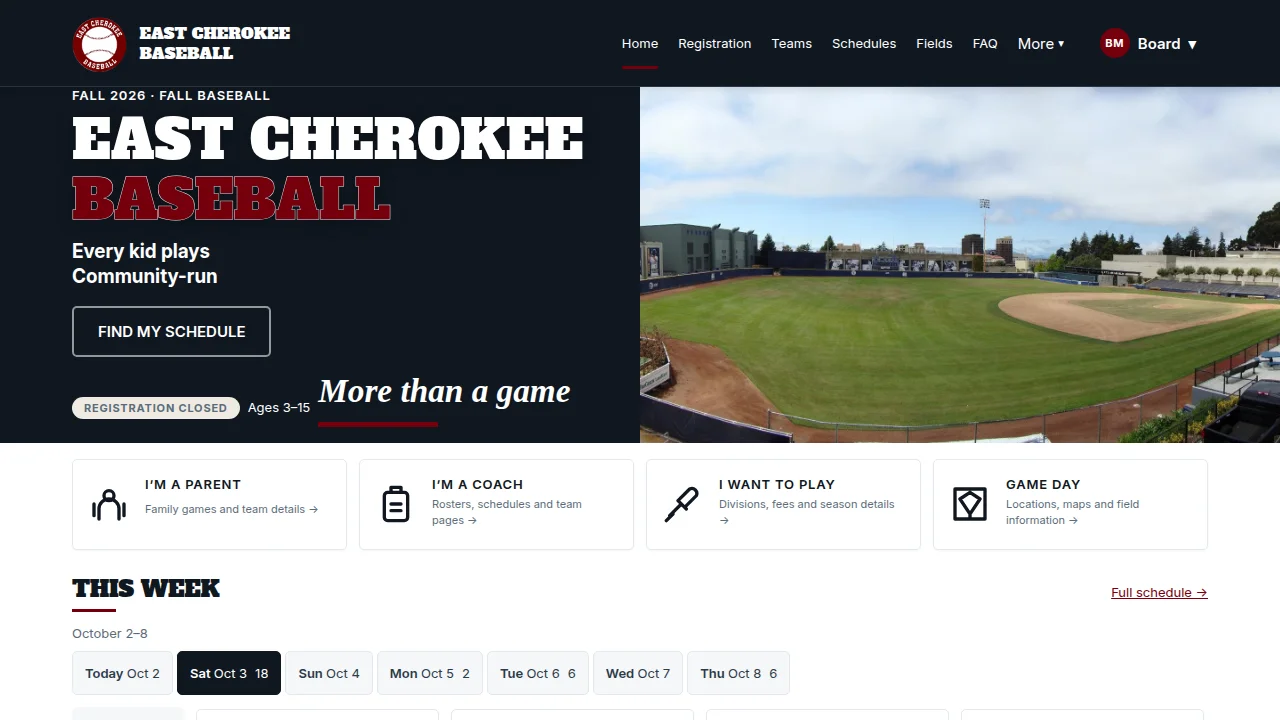
Give families a website in your colors, with your logo, on your domain — and give volunteers a way to keep it current.
From setup to game day
Upload a logo and banner, choose your league’s colors, and use your own domain. The theme handles consistent typography and readable contrast. Built-in pages provide homes for registration, divisions, schedules, FAQ, sponsors, fields, and other information families look for.
Registration facts, fee tables, and other data-backed sections read the league’s records. A fee change does not need a matching edit to a second copy on the website. For information unique to your park, create custom pages with headings, text, images, buttons, callouts, and live-data sections.
Edit a custom page’s authored sections as a draft, open Preview draft to see the result, and publish when it is ready. History keeps previous content versions available. Live-data sections continue to show current league information, so a page draft does not freeze registration facts.
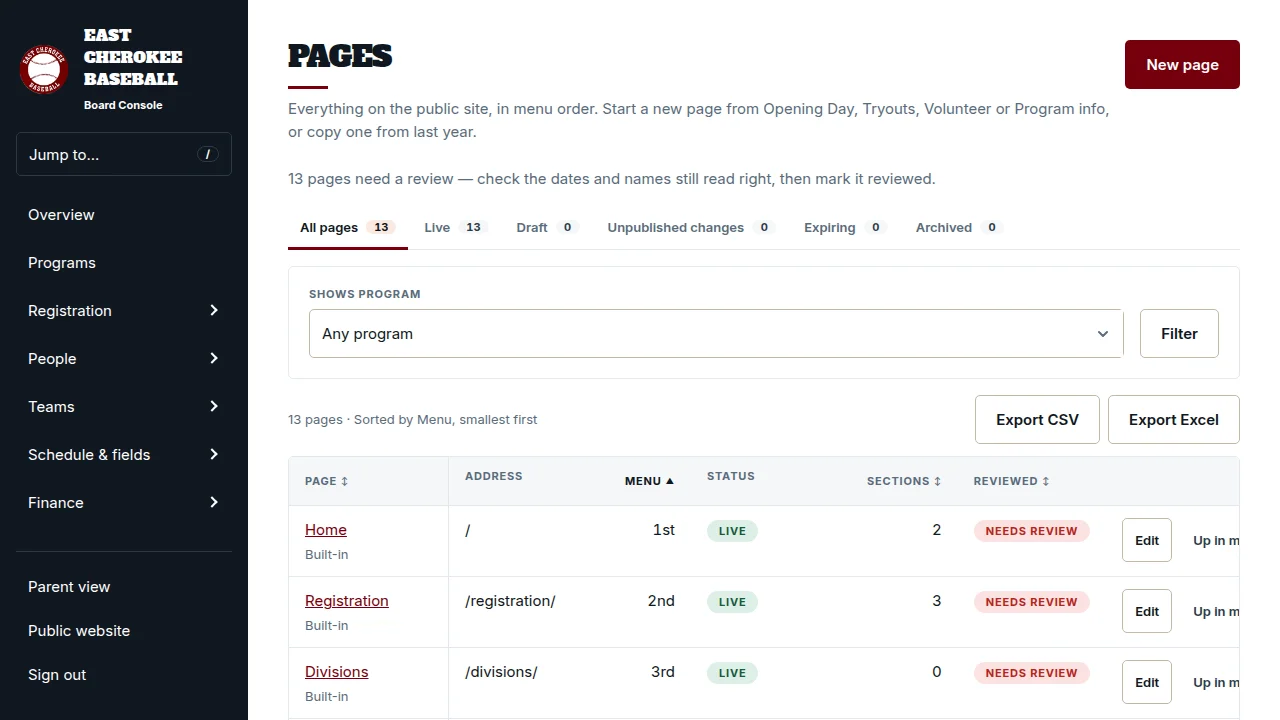
Publish FAQ entries for common family questions and put useful pages in the site menu. Notices and page review reminders help the board keep information current.
Use sponsor logos and league-defined sponsorship tiers. Logo size communicates prominence, keeping the hierarchy understandable without relying on color.
The page editor uses named sections and familiar controls. The league keeps its pages and history when the person maintaining them changes.
Show us your current website and the pages your families rely on most.