Funds settle to your league
Online payments use Stripe Connect, with funds settling to the league’s connected account. Payment method availability depends on your Stripe setup.
Payments & balances
Keep registration and payment records together, with funds settling to your league through Stripe.
From setup to game day
Registration fees and discounts become the family’s order, with an itemized record of what is owed. Payment records stay connected to that order. Your board can look up a household rather than matching a separate payment spreadsheet to a list of registrations.
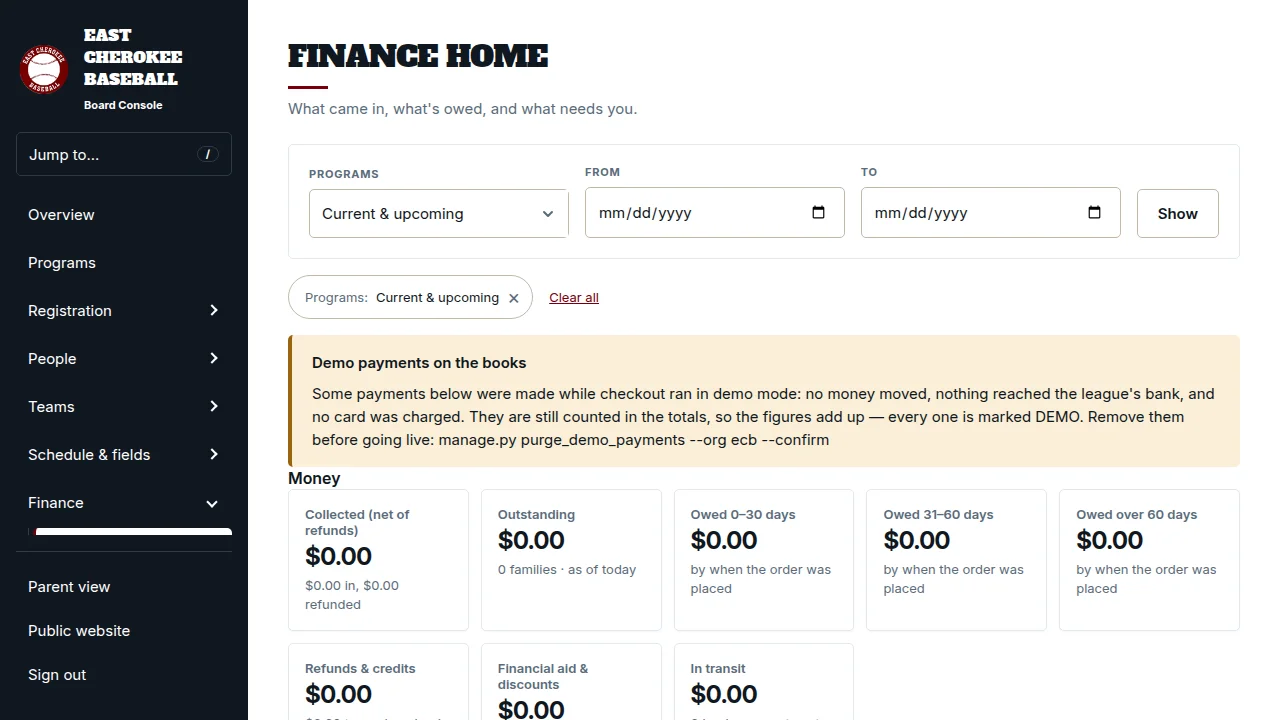
The Balances screen separates money billed, money collected, amounts still due, and bank payments that are clearing. An initiated bank transfer does not appear as collected money. A declined card payment leaves the family’s cart intact so they can retry without starting registration again.
The treasurer sees households with an outstanding balance, their guardian email addresses, and the amount due. Open a household to review its orders and payments, or export the list as a CSV. The totals cover every season, so an older balance does not disappear when a new season starts.
Online payments use Stripe Connect, with funds settling to the league’s connected account. Payment method availability depends on your Stripe setup.
$500 per league per year, waived for new and small programs. Card payments cost Stripe processing fees plus a $0.25 HomeStand fee per successful transaction. Stripe processing costs vary by payment method and account pricing.
Pending ACH is shown separately until settlement is confirmed. Your board can distinguish money in flight from a payment that still needs attention.
We’ll walk through card and bank payment options and the payment setup your league needs.